



Key Takeaways:
Desktop applications remain a strong choice for businesses that need high performance, offline access, better system control, and long-term stability.
The cost to develop a desktop application typically ranges from $10,000 to $150,000+, depending on complexity, features, platforms, and technical requirements.
Basic desktop applications cost less due to limited features and single-platform support, while mid-level and complex applications require higher investment.
Core cost drivers include application complexity, UI/UX depth, supported operating systems, technology stack, security requirements, integrations, and testing scope.
Hidden factors such as changing requirements, licensing fees, OS differences, data migration, and post-launch support can impact the cost.
Best practices like clear requirement planning, feature prioritization, modular architecture, and continuous testing help control development costs.
Choosing an experienced desktop application development partner like JPLoft ensures better cost predictability, efficient development, and long-term value.
Desktop applications are not a recent trend that has emerged, but they have been there even before the mobile app existed. The desktop application development has significant benefits, including higher memory limits and better processing abilities.
However, building a desktop application is not as basic as it appears. But it requires expert knowledge, understanding of frameworks, and a clear definition of the app's goals.
But along with all, it is also important to focus on how much does it cost to develop a desktop application. Focusing on such a cost aspect is significantly important to plan for a secure and budget-friendly desktop application that aligns with your business expectations.
The cost to build a desktop application can range anywhere from $10,000 and $150,000+ which varies depending on several factors. These factors can range from application complexity, app UI/UX, app security, developer location, and more.
In this blog, we will discuss the desktop application development cost, the key factors involved impacting the cost, hidden factors, and best practices that can help control such associated costs.
Key Reasons to Build a Desktop Application
Several reasons exist that justify why you should be concerned about the cost to build a desktop application and invest in it accordingly.
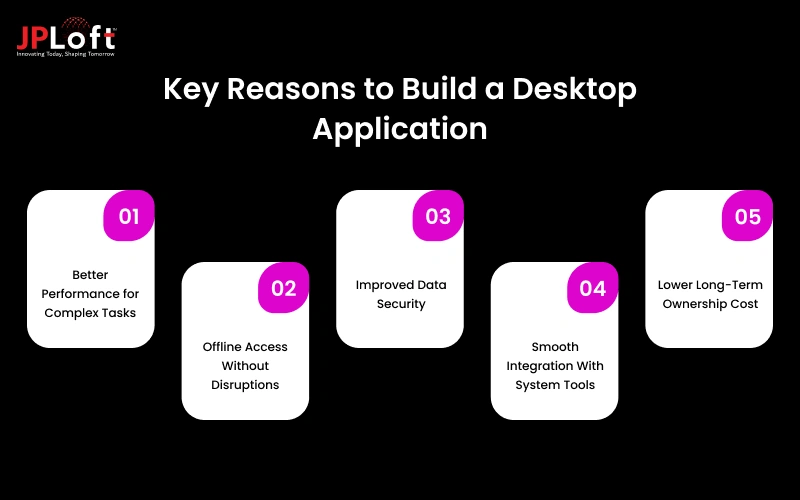
1. Better Performance for Complex Tasks
Desktop applications use local system resources, which helps them handle heavy processing, large data sets, and advanced features without slowdowns. This makes them suitable for professional and enterprise use cases.
2. Offline Access Without Disruptions
Desktop apps continue to work even without an active internet connection. This supports daily operations, improves productivity, and reduces dependency on network availability.
3. Improved Data Security
With desktop applications, businesses can control how and where data is stored. This lowers exposure to browser-based risks and helps maintain stronger security standards for sensitive information.
4. Smooth Integration With System Tools
A Desktop application connects easily with system hardware, local databases, and third-party tools. This allows better automation and smoother workflows across teams.
5. Lower Long-Term Ownership Cost
While development may require upfront planning, desktop applications often cost less to maintain over time. They reduce frequent update cycles and limit compatibility issues tied to browsers or devices.

How Much Does it Cost to Develop a Desktop Application?
The cost to build a desktop application depends on several moving parts, but in most cases, businesses can expect a broad range from $10,000 to $150,000+.
The cost variation exists because no two desktop applications are built with the same goals, features, or technical depth. Understanding what drives these costs helps you plan better and avoid surprises later.
A basic desktop application with limited features, simple UI, and standard functionality usually costs anywhere from $15,000–$45,000. These applications are often used for internal tools, data entry systems, or small productivity solutions. Development timelines are shorter, and maintenance needs remain minimal.
A mid-level desktop application with custom workflows, role-based access, third-party integrations, and improved UI typically costs between $45,000 and $90,000.
These apps often support business operations, reporting systems, or customer-facing tools that require stable performance and regular updates.
Further, a complex desktop application can exceed $100,000 to $150,000 or more. These solutions include advanced features such as real-time data processing, offline sync, large database handling, security layers, and cross-platform compatibility. They are common in industries like finance, healthcare, logistics, and enterprise software.
|
Development Stage |
Scope (Scales by Complexity) |
Estimated Cost |
|
Requirement Planning |
Basic to detailed scoping |
$2,000–$10,000 |
|
UI/UX Design |
Simple screens to custom flows |
$3,000–$18,000 |
|
Core Development |
UI logic, data handling, features |
$5,000–$80,000 |
|
Integrations & Advanced Logic |
APIs, system tools, sync |
$5,000-$35,000 |
|
Cross-Platform Support |
Single or multiple OS |
$5,000-$20,000 |
|
Testing & QA |
Basic to full-cycle testing |
$2,000–$15,000 |
|
Deployment & Setup |
Build and release |
$1,000–$7,000 |
|
Maintenance (Optional) |
Post-launch support |
$1,000–$10,000 |
Factors Impacting The Cost To Build A Desktop Application
When estimating how much it costs to build a desktop application, several factors work together to shape the final budget.
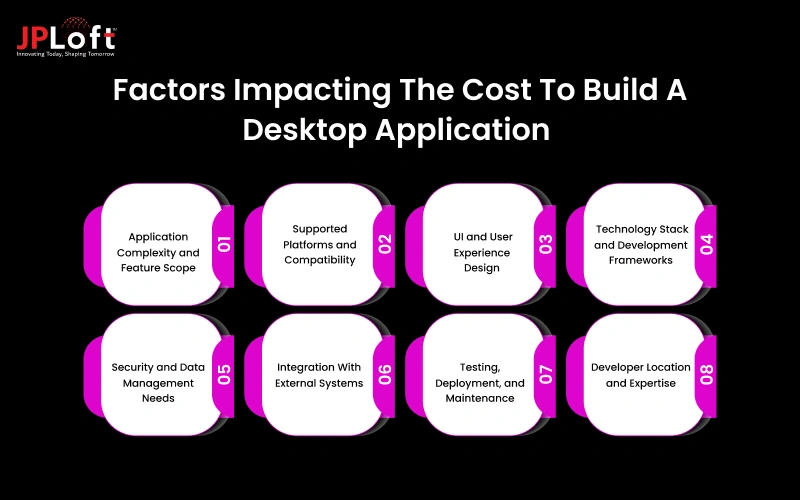
Each of these factors affects the final cost in diverse ways, which is why pricing can vary widely between projects.
1. Application Complexity and Feature Scope
The overall complexity of the application plays a major role in defining the development cost of a desktop application.
A desktop app with limited screens and basic functions requires less development effort and testing. As features expand to include advanced workflows, automation, or data processing, the cost to develop a desktop application increases.
|
Complexity Level |
Scope Impact |
Cost Impact |
|
Basic |
Limited screens, simple logic, local storage |
$10,000 – $30,000 |
|
Moderate |
Custom workflows, role-based access |
$35,000 – $80,000 |
|
High |
Advanced logic, automation, and data-heavy features |
$90,000 – $150,000 |
2. Supported Platforms and Compatibility
If you are planning to build a desktop application for a single operating system, then you can ensure that the overall development effort manageable.
When the application needs to support multiple platforms, developers must handle OS-specific behaviors, UI adjustments, and compatibility testing. Such approaches result in increasing the cost to create a desktop application.
|
Platform Coverage |
Scope Impact |
Cost Impact |
|
Single OS |
Windows or macOS only |
$0 – $10,000 |
|
Dual OS |
Windows + macOS |
$10,000 – $25,000 |
|
Multi-Platform |
Windows, macOS, Linux |
$20,000 – $40,000 |
3. UI and User Experience Design
Design requirements strongly influence the desktop application cost. Simple and clean interfaces designed with the help of expert UI/UX design services reduce design and implementation time.
Custom layouts, detailed user journeys, and interactive elements require more design effort, which increases both development time and the overall cost.
|
Design Level |
Scope Impact |
Cost Impact |
|
Basic UI |
Standard layouts, minimal customization |
$3,000 – $6,000 |
|
Custom UI |
Branded visuals, guided flows |
$7,000 – $15,000 |
|
Advanced UX |
Interactive elements, complex user journeys |
$15,000 – $25,000 |
4. Technology Stack and Development Frameworks
The choice of technology affects how quickly the application can be built and maintained. Modern and well-supported frameworks help reduce the cost to build a desktop application by improving development efficiency.
In contrast, older or less common technologies may increase cost due to limited resources and longer development cycles.
|
Tech Choice |
Scope Impact |
Cost Impact |
|
Common Stack |
Widely used frameworks and tools |
$5,000 – $10,000 |
|
Cross-Platform Framework |
Shared codebase, OS-specific tuning |
$10,000 – $20,000 |
|
Specialized Stack |
Legacy or niche technologies |
$20,000 – $35,000 |
5. Security and Data Management Needs
App security is mandatory for every modern-day app, as applications that handle sensitive or business-critical data require additional security measures.
Features such as data encryption, user access control, and secure storage add development and testing effort. These requirements raise the development cost of a desktop application, but are necessary for long-term reliability and trust.
|
Security Level |
Scope Impact |
Cost Impact |
|
Basic |
Standard authentication, local storage |
$3,000 – $7,000 |
|
Enhanced |
Encryption, secure access control |
$8,000 – $15,000 |
|
High |
Compliance-ready, audit logs, data controls |
$15,000 – $30,000 |
6. Integration With External Systems
Desktop applications often need to connect with third-party tools, APIs, or internal systems. Each integration adds complexity to the application logic and requires extra testing.
These integrations further increase the cost to develop a desktop application, especially when multiple systems are involved.
|
Integration Type |
Scope Impact |
Cost Impact |
|
None |
Standalone application |
$0 |
|
Limited |
1–2 APIs or internal tools |
$5,000 – $12,000 |
|
Extensive |
Multiple systems, real-time sync |
$15,000 – $30,000 |
7. Testing, Deployment, and Maintenance
Quality assurance is essential to ensure stable performance across different environments. More features and platform support mean longer testing cycles and higher costs.
Post-launch maintenance and updates also contribute to the overall cost to create a desktop application over its lifecycle.
|
Scope Level |
Scope Impact |
Cost Impact |
|
Basic |
Functional testing, simple deployment |
$3,000 – $6,000 |
|
Standard |
Performance testing, OS checks |
$7,000 – $12,000 |
|
Extensive |
Full-cycle QA, long-term support |
$12,000 – $20,000 |
8. Developer Location and Expertise
The location and experience level of developers directly influence the overall development cost. When you hire software developers, hourly rates vary based on region, technical expertise, and industry exposure.
Highly experienced teams from prominent locations such as the USA and UK may cost more upfront but often reduce rework and delivery delays, which helps control long-term expenses.
|
Developer Profile |
Scope Impact |
Cost Impact |
|
Entry-Level or Mixed Experience Team |
Basic features, limited complexity handling |
$10,000 – $30,000 |
|
Experienced Development Team |
Custom workflows, stable architecture, better performance |
$35,000 – $80,000 |
|
Highly Specialized Experts |
Complex logic, security-heavy or data-intensive applications |
$90,000 – $150,000 |
Hidden Factors Affect the Cost to Create a Desktop Application
When planning a desktop application, focusing on how much does it cost to create a desktop application is a must, but along with these, the associated factors discussed above need to be considered.
But along with these, several technical factors remain hidden until the project moves forward.
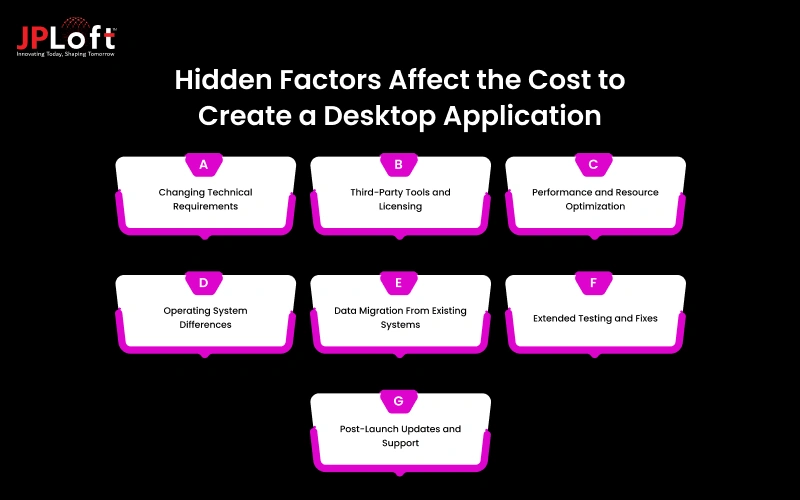
These elements can increase both effort and cost if they are not considered during early planning.
A] Changing Technical Requirements
Desktop applications address diversified organizational needs. Hence, as per such needs, any changes in workflows, data handling, or system behavior often lead to code updates and design adjustments.
These adjustments can take additional development and testing time, which gradually increases the overall development cost of a desktop application.
B] Third-Party Tools and Licensing
Desktop applications often depend on external libraries, frameworks, or system tools. Some of these require paid licenses or ongoing subscriptions. These costs are usually not part of initial estimates but add to the total development budget.
As the app scales, the need for additional tools and license requirements emerges, resulting in added desktop application development costs.
C] Performance and Resource Optimization
Another hidden factor that impacts the cost to develop a desktop application is performance and resource optimization. Desktop applications that process large files or run background tasks need careful tuning.
Hence, planning for maximizing the memory usage, processing speed, and stability adds extra development effort, leading to increased cost.
D] Operating System Differences
Each operating system manages permissions, file systems, and updates differently. Hence, planning for a desktop application that can handle these differences requires extra coding and testing.
Such additional efforts result in increasing both the desktop app development cost and the maintenance cost.
E] Data Migration From Existing Systems
When replacing older software, the existing data needs to be cleaned, mapped, and validated. Such an approach is important to ensure a smooth transition, as well as to ensure your data is safe.
But such processes take time and technical effort, which is often underestimated during planning, resulting in impacting the final cost to develop a mobile desktop application.
F] Extended Testing and Fixes
The performance gaps and issues often appear only when the application is used in real environments.
Hence, before launching the desktop application, it is important to perform additional testing, bug fixes, and stability checks, which add to the overall development cost. But is often overlooked at early stages.
G] Post-Launch Updates and Support
Post launch of the desktop application, they need updates for system changes, security fixes, based on the transforming industry scenario, and the user feedback.
These ongoing efforts are important for the sustainability and scalability of the application, but add to the long-term cost of building and maintaining a desktop application.
Best Practices To Control The Cost To Build A Desktop Application
Controlling the cost to build a desktop application requires steady planning and disciplined execution.
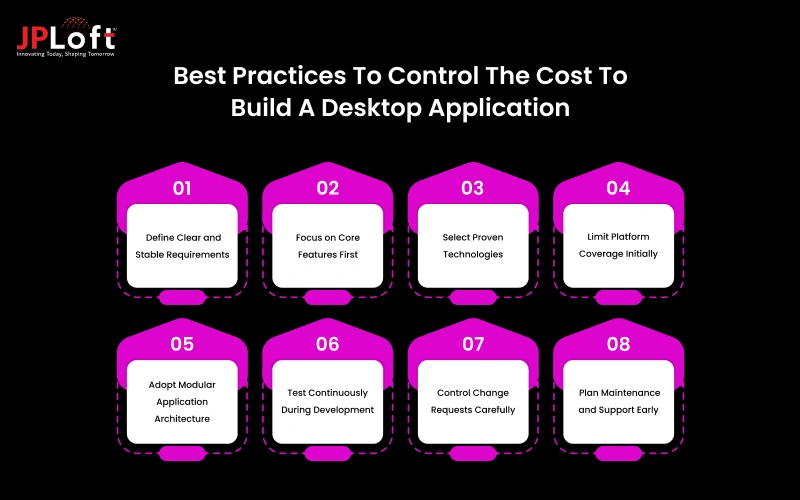
Each practice below focuses on reducing unnecessary effort, improving development efficiency, and keeping budgets predictable across the project lifecycle.
1. Define Clear and Stable Requirements
Before the start of the desktop app development process, provide clear instructions to the team. Clear requirements provide the development team with a fixed direction from the start.
When features, user flows, and technical expectations are documented early, estimation becomes more accurate. This prevents repeated revisions, reduces rework, and helps keep development costs under control.
2. Focus on Core Features First
Ensure your desktop application has only essential features in the first phase so that it can limit the development efforts. Further, as the app scales, more features can be added to accommodate user expectations.
This approach helps businesses avoid spending on features that may not be immediately required. It also allows teams to validate the product early before committing to additional investment in desktop application development.
3. Select Proven Technologies
Using stable and widely adopted technologies reduces technical risk. It is recommended not to experiment with advanced or innovative tools during the early stages of development. These tools offer better documentation, long-term support, and easier onboarding for developers.
As a result, development progresses faster and future maintenance costs remain lower. Further, depending on the app performance and user feedback, relevant upgrades can be ensured.
4. Limit Platform Coverage Initially
Supporting multiple operating systems from day one increases testing and development effort. Hence, it is recommended to start from the basics and limit the platform coverage initially. You can plan to hire dedicated developers who can assist you with platform selection.
Launching a desktop application for a single platform keeps complexity manageable and costs predictable. Once the application is stable, expanding to other platforms becomes easier to plan.
5. Adopt Modular Application Architecture
An effective way to control the cost to build a desktop application is by adopting a modular application architecture. A modular design separates the application into independent components.
This makes updates and feature additions easier to manage. Over time, this structure reduces redevelopment effort and lowers long-term maintenance costs.
6. Test Continuously During Development
Regular testing during development helps catch issues early. Early fixes take less time and effort compared to late-stage corrections.
This practice improves stability while preventing expensive delays close to release. Partnering with expert software development company can help you better plan for such testing.
7. Control Change Requests Carefully
Change requests in between the development process often lead to a sudden rise in the cost to build a desktop application.
Hence, it is important that a clear approval process is followed that can help assess the impact of changes before implementation. This keeps timelines stable and prevents budgets from drifting off track.
8. Plan Maintenance and Support Early
Desktop applications require ongoing updates, fixes, and security improvements. These aspects, when implemented, require proper planning and development budget management. But post implementation, these also require constant maintenance and a recurring budget.
Hence, failing to plan for these maintenance costs can result in impacting the set budget and the operational costs.

How JPLoft Can Help You Get A Budget-Friendly Desktop Application?
Building a desktop application within a defined budget requires the right mix of planning, execution, and technical clarity. As an experienced desktop application development company, JPLoft focuses on delivering solutions that meet business needs while cutting down unnecessary costs.
The developers at JPLoft begin the project with a clear understanding of your application goals and target users. By identifying essential features early, they are able to avoid feature overload and keeps development effort focused. This clarity also reduces rework and prevents unexpected cost increases later in the project.
We follow a structured development approach with clearly defined milestones and regular progress updates. This keeps timelines and budgets aligned while giving businesses full visibility into how resources are being used at each stage.
With this balanced approach, JPLoft delivers desktop applications that remain reliable, scalable, and cost-effective over time.
Conclusion
The cost of building a desktop application can range from $10,000 to $150,000. But can surpass this budget, depending on factors such as feature complexity, platform support, security needs, and long-term maintenance.
Understanding these cost drivers early helps businesses set realistic budgets and avoid unexpected expenses during development. Hidden costs related to testing, integrations, performance optimization, and post-launch support often influence the final investment and should be planned from the start.
By applying proven cost-control practices, businesses can manage development expenses without compromising quality. Clear requirements, focused feature planning, and the right technology choices play a major role in controlling cost.
FAQs
The cost to build a desktop application typically ranges from $10,000 to $150,000+. The final cost depends on factors such as feature complexity, supported platforms, UI design, security requirements, and ongoing maintenance needs.
Key factors include application complexity, number of supported operating systems, technology stack, integrations, security requirements, and testing effort. Hidden elements like performance optimization and post-launch support also influence the total cost.
Yes, building for a single operating system significantly reduces development and testing effort. Multi-platform support increases cost due to additional compatibility work and quality assurance.
Desktop applications can be more cost-effective for performance-heavy or offline-first use cases. They often have lower long-term maintenance costs due to reduced dependency on browsers and frequent platform updates.
Businesses can reduce costs by defining clear requirements, prioritizing core features, choosing proven technologies, limiting platform scope initially, and planning maintenance early in the development process.

Savannah Bustos is a technology professional with experience across financial platforms, mobility solutions, and on-demand digital products. Her areas of expertise include FinTech, digital banking, eWallets, lending, BNPL, stock trading, fuel delivery, and taxi-booking platforms. She combines a strong understanding of business requirements with practical technology insight, helping companies evaluate challenges, define product needs, and make informed decisions about scalable digital solutions.





Share this blog