


The internet is home to almost 1.5 billion websites, and new ones are being created at a rate of around 600,000 every day.
With so many sites competing for attention, the first question almost everyone asks when they decide to build one is: How much does it truly cost to develop a website?
The honest answer is: it depends. On average, it can cost you around $3,000 to $50,000+.
Cost depends on scope, UX, CMS, integrations, performance, security, and scalability, not just page count.
Many business owners and entrepreneurs get stuck at this stage because they either underestimate the cost and later face sudden surprises.
This website development cost guide helps you compare different development approaches. It enables you to build a realistic budget and make an informed decision.
Website Types and Their Development Costs
When planning to build a website, it’s important to understand that there are different types of websites you can create, and the development cost can vary significantly depending on which one you need.
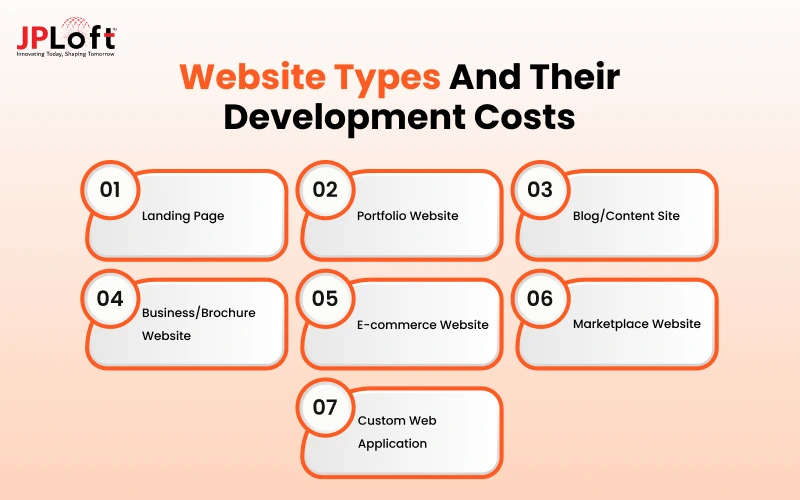
Let’s get to know the types and their cost of website development:
Type 1: Landing Page
A landing page is a simple one-page website made for a single goal, like collecting leads, promoting an offer, or driving sign-ups.
It focuses on clear messaging and a strong call-to-action to convert visitors quickly.
-
Cost: $3,000 – $4,000+
-
Key features: Clean design, strong headline, short form, clear CTA button
-
Best for: Product launches, lead generation, ad campaigns, special offers
Type 2: Portfolio Website
A portfolio website is designed to showcase your work, skills, and creative projects in an attractive way.
It helps freelancers, designers, and artists present their best samples to impress potential clients.
-
Cost: $500 – $3,000+
-
Key features: Image gallery, project showcase, about section, contact form
-
Best for: Designers, photographers, writers, freelancers, creative professionals
Type 3: Blog/Content Site
A blog or content website is built to publish regular articles, news, tutorials, or stories.
It helps you share knowledge, build an audience, and grow traffic over time through valuable content.
-
Cost: $1,000 – $5,000+
-
Key features: Easy post publishing, categories, search, comments, social sharing
-
Best for: Writers, coaches, educators, brands that want regular content
Type 4: Business/Brochure Website
A business or brochure website presents your company, services, and contact details in a professional manner.
It works like an online brochure that builds trust and helps customers learn about your brand easily.
-
Cost: $3,000 – $15,000+
-
Key features: Home, about, services, contact pages, basic SEO, mobile-friendly design
-
Best for: Small businesses, local services, consultants, startups
Type 5: E-commerce Website
An e-commerce website allows you to sell products or services online with features like product listings, a shopping cart, and payment options.
It turns your website into a complete online store where customers can buy anytime.
-
Cost: $5,000 – $50,000+
-
Key features: Product catalog, cart, checkout, payment gateway, order tracking
-
Best for: Online stores, product sellers, brands selling physical or digital goods
Type 6: Marketplace Website
A marketplace website connects multiple sellers and buyers on one platform, similar to Amazon or Flipkart.
It needs advanced features for vendor management, product listings, payments, and reviews
-
Cost: $40,000 – $50,000+
-
Key features: Multi-vendor dashboard, product listings, payment splitting, reviews, admin panel
-
Best for: Multi-seller platforms, online marketplaces, large-scale buying-selling sites
Type 7: Custom Web Application
A custom web application is a powerful interactive platform built for specific business needs such as dashboards, booking systems, or SaaS tools.
It offers unique features and high functionality that go beyond a regular website.
-
Cost: $30,000 – $50,000+
-
Key features: User accounts, custom dashboards, complex workflows, integrations, high security
-
Best for: SaaS products, internal tools, booking platforms, complex business software
Website Cost Calculator
To know your total investment better, you have to evaluate your project through a proper checklist, making sure no hidden expenses pop up later.
Use the essential checklist to calculate your total cost of website development accurately:
-
Core Expenses: Hosting + Domain + Tech Stack/CMS + UI/UX Design + Development
-
Add-Ons: Third-party Plugins/APIs + Maintenance & Security + Content Creation
The Website Cost Formula:
Total Cost = (Design Hours + Development Hours) * Hourly Rate + Fixed Setup Costs + Annual Maintenance
This simple formula gives you a realistic benchmark to plan your budget, prioritize core MVP features, and avoid unexpected financial surprises during development.

Factors Affecting the Overall Cost to Develop a Website
Several factors affect the overall cost of building a website. Knowing them will help you plan your budget better.
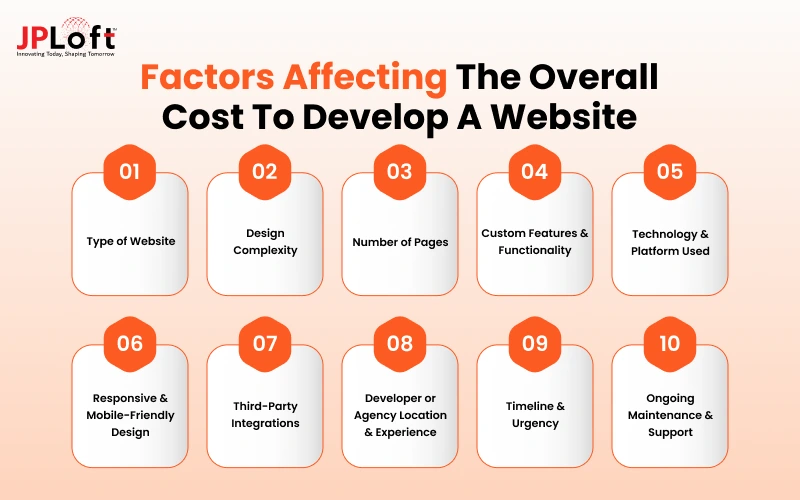
Let’s get to know them one by one:
Factor 1. Type of Website
The kind of website you want is the biggest factor affecting the cost of website development. A simple landing page or portfolio costs much less because it needs limited features.
A web application or marketplace website needs other elements such as product management, payments, and user accounts, which significantly increases the price.
Factor 2. Design Complexity
UI/UX design can affect the overall cost to build a website.
Wondering how? Well, a basic template-based design is often affordable and faster to implement.
Custom designs with unique layouts, animations, illustrations, or advanced UI/UX take more time from designers and developers, raising the overall cost.
Highly creative or brand-heavy designs can double or triple the design budget.
Factor 3. Number of Pages
More pages mean more design, development, content, and testing work.
A small website is relatively affordable, while a bigger-page website requires extra effort for navigation, consistency, and content placement.
Each additional page adds to both time and cost.
Factor 4. Custom Features & Functionality
Features are really important; they decide how different your website is from others.
If you have basic features such as contact forms or image galleries, the cost will be low. Custom features such as booking systems, user dashboards, advanced search, live chat, or membership areas need extra coding and testing.
The more unique features you add, the higher the development cost of a website becomes.
Factor 5. Technology & Platform Used
Using ready-made platforms like WordPress, Shopify, or website builders is more affordable.
Custom-coded websites using modern frameworks(React, Next.js, Laravel, etc.) offer more flexibility but cost significantly more because of higher development effort and specialized skills required.
Factor 6. Responsive & Mobile-Friendly Design
Today, almost every website must work perfectly on mobile, tablet, and desktop.
Building a fully responsive design takes additional time for testing and adjustments across devices.
If you skip proper responsive work, it may reduce cost initially but creates long-term problems and higher future expenses.
Factor 7. Third-Party Integrations
Connecting your website with payment gateways. CRM tools, email marketing platforms, analytics, or shipping APIs add extra development work.
Each integration requires setup, testing, and sometimes custom coding, which increases both time and cost depending on the complexity of the tools.
Factor 8. Developer or Agency Location & Experience
One of the bigger cost to build a website is your agency location and their experience.
If you hire a mobile app development company in the US, UK, or Australia, the overall cost to develop a website can increase. Reason being the cost of living and developers' rates are usually high in these regions.
You can reduce the cost by hiring from low-cost countries such as the Philippines or India. Choosing based only on price can sometimes lead to higher costs later due to revisions.
Factor 9. Timeline & Urgency
A normal development timeline is more cost-effective.
If you need the website delivered urgently, developers may need to work overtime or assign more people to the project.
This rush work almost always increases the final price.
Factor 10. Ongoing Maintenance & Support
Building the website is only the starting cost.
Regular updates, security patches, backups, bug fixes, and content changes require ongoing support, which adds to your overall pricing.
Many businesses forget to budget for this, but maintenance is important to keep the website secure and running smoothly over time.
Hidden Factors Affecting the Website Development Cost
There are several hidden factors that affect the overall cost to make a website.
Many people only calculate the design and development cost, but these extra costs often appear later and can significantly increase the final budget.
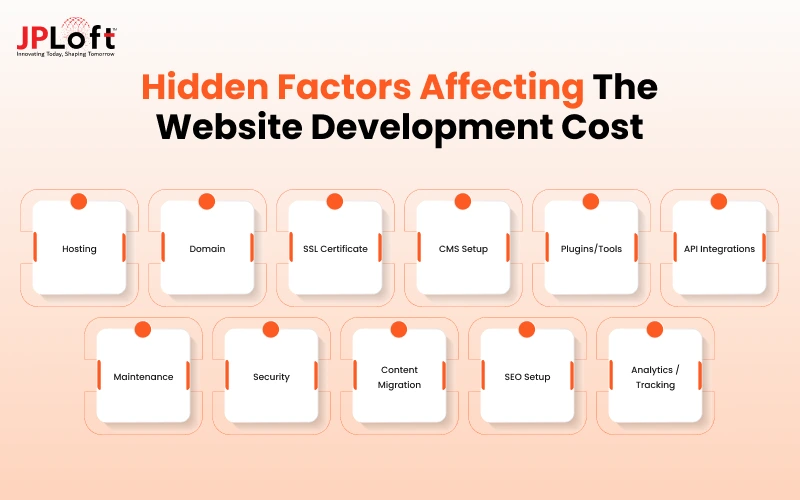
Here are the most common hidden factors:
1. Hosting
Your website needs a home on the internet to stay live 24/7. Good hosting keeps your site fast and reliable even when traffic grows.
What it includes: Server space, Bandwidth, Uptime, Backups
Cost: $5-$100+ Per Month
2. Domain
This is your website’s unique address (like your brand.com). A strong domain name makes your brand memorable and easy to find.
What it Includes: Domain registration and annual renewal
Cost: $10-$50 per year
3. SSL Certificate
SSL keeps your website secure by encrypting data between users and your site. Without it, browsers show a scary “Not Secure” warning that hurts trust.
What It Includes: Data Encryption and a security padlock
Cost: Free-$200 per year
4. CMS Setup
A content management system (like WordPress) lets you easily update your website without coding. Proper setup ensures everything works smoothly from day one.
What It Includes: Installation, Configuration, and Basic Structure
Cost: $100-$800
5. Plugins/Tools
Plugins add powerful extra features without building everything from scratch. Premium plugins often deliver better performance and support than free ones.
What it includes: Extra functionality, forms, SEO tools, security
Cost: $500+ per year
6. API Integrations
APIs connect your website with other tools like payment gateways, CRMs, or email platforms. Smooth integrations make your website smarter and more useful.
What it includes: Connecting third-party services and testing
Cost: $200 – $2,000+
7. Maintenance
Websites need regular care just like cars. Updates, bug fixes, and small improvements keep everything running safely and smoothly over time.
What it includes: Updates, backups, minor fixes, monitoring
Cost: $50 – $500+ per month
8. Security
Strong security protects your website from hackers, malware, and data theft. One security breach can cost far more than prevention ever would.
What it includes: Firewalls, malware scanning, security plugins
Cost: $50 – $300+ per year
9. Content Migration
Moving old content, images, and data from a previous website to a new one takes careful work. Poor migration can break links and lose important information.
What it includes: Transferring pages, images, and data
Cost: $200 – $2,000+
10. SEO Setup
Basic SEO helps your website appear on Google. Setting it up properly from the start saves time and brings more organic visitors later.
What it includes: Meta tags, sitemap, speed, structure
Cost: $200 – $1,500
11. Analytics / Tracking
Tools like Google Analytics show how visitors use your website. Without proper tracking, you’re running your website blindly and missing important insights.
What it includes: Setup of analytics, conversion tracking, reports
Cost: Free – $300
Breakdown Website Development Cost by Development Stage
26% of business owners are concerned about the cost to develop a website. This is why understanding the expenses before starting the project is so important.
Let’s explore how the cost breaks down across each development stage:
|
Development Stage |
Percentage of Total Cost |
Estimated Cost Range |
What It Includes |
|
Planning & Discovery |
5% – 10% |
$150 – $5,000 |
Requirement gathering, research, sitemap, strategy |
|
UI/UX Design |
15% – 25% |
$450 – $12,500 |
Wireframes, visual design, prototypes, revisions |
|
Development (Frontend + Backend) |
40% – 50% |
$1,200 – $25,000 |
Coding, functionality, CMS setup, responsive build |
|
Content Creation & Integration |
5% – 10% |
$150 – $5,000 |
Writing, images, uploading content |
|
Testing & Quality Assurance |
5% – 10% |
$150 – $5,000 |
Bug fixing, cross-browser & device testing |
|
Launch & Deployment |
3% – 5% |
$90 – $2,500 |
Domain setup, hosting, going live |
|
Training & Handover |
2% – 5% |
$60 – $2,500 |
Client training, documentation, basic support |
Website Maintenance Cost After Launch
Launching your website isn’t the finish line; it’s just the beginning. To keep it secure, fast, and up to market standards, you need to have consistent ongoing maintenance.
|
Maintenance Service |
Estimated Cost/Month |
|
Security Updates & Monitoring |
$50 – $200 |
|
Website Backups |
$20 – $100 |
|
Bug Fixes & Technical Support |
$100 – $500 |
|
Performance Optimization |
$100 – $400 |
|
Content Updates |
$50 – $300 |
|
SEO & Analytics Monitoring |
$100 – $500 |
|
Hosting & Server Management |
$50 – $300 |
|
Overall Website Maintenance |
$300 – $2,000+ |
How to Reduce Website Development Cost Without Compromising Quality?
Managing your website design and development cost doesn’t mean you have to compromise user experience, design, or speed. As a matter of fact, anything else.
Here are some tips we are sharing to help you become aware of the real cost:
1. Start with MVP
You can start with an MVP. It will help you get user feedback and make changes based on that instead of expensive rework.
You can start with basic features such as a simple user registration, product listing, and a smooth checkout process.
Once done, you can add advanced features or a unique value proposition as per your user needs.
2. Choose the Right Framework Early
Select an open-source platform like WordPress or an established tech stack tailored to your site’s scope.
It prevents costly coding from scratch. Picking a platform with a rich ecosystem of built-in features dramatically reduces custom coding hours, helping keep your website development costs lower.
3. Leverage Pre-Built Frameworks & UI Kits
If you are working with a custom design from scratch, it will demand more hours from UI/UX designers and front-end developers.
You can pre-designed design systems, component libraries, or premium responsive templates allow you to customize the look and feel while significantly reducing your costs.
4. Prepare Content & Media Before Development Starts
Scope creep and delays often happen when developers are forced to wait for text content, brand assets, or images.
Organizing all copy, high-resolution graphics, and media assets before coding begins speeds up the timeline, directly reducing development hours and keeping your custom website development cost down.
5. Use Open-Source Plugins
Instead of spending thousands to build custom tools like booking engines, chat widgets, or payment processors, you can integrate ready-made third-party services using APIs.
These tools are already tested and help you save development time and reduce long-term website costs.
6. Prioritize Mobile-First Responsive Design
Designing for mobile screens first streamlines the user interface to its most vital elements before scaling up to desktop views.
This approach reduces redundant layout iterations, speeds up front-end coding, and prevents rework, which plays a major role in keeping your website design and development costs lean.
7. Partner with an Experienced Agile Team
Clean requirements and agile sprints keep your project on track.
They prevent unexpected changes and constant revisions so it doesn’t drive up your overall costs.
Plus, an experienced development company knows how to solve technical blocks fast, saving you both time and money.
Let’s see how JPLoft can help you achieve your development goals.

How JPLoft Helps You Build a Cost-Effective Website
Every great website starts as an ambitious idea, but unpredictable budgets are usually what keep it from taking off.
The right approach is to invest in the features that actually support your business goals.
That’s where JPLoft comes in. As an experienced website development company, we help businesses plan and build websites that actually offer value without unnecessary expenses.
Our team carefully selects the right technologies, features, and third-party integrations based on your requirements.
From planning and design to development and post-launch support, we keep the process focused on quality, performance, and your budget.
Conclusion
Building a website is a long-term investment, so understanding the costs involved can help you make smarter decisions from the start.
In 2026, website development costs can change based on the type of website, design complexity, features, and integrations you choose.
Beyond the usual development, you should consider hosting, security, and other ongoing expenses.
A clear project scope and the right development approach can help control costs without compromising quality.
With proper planning and an experienced development partner, you can build a website that fits your budget and supports your long-term business goals.
FAQs
Yes, web design remains valuable in 2026, helping businesses build credibility, improve user experience, attract customers, and stand out online.
Website development usually costs $3,000 to $50,000+, depending on website type, features, design complexity, scope, third-party integrations, and more.
Using platforms like WordPress with pre-built themes and plugins is often the most affordable way to create professional business websites.
Yes, you can create a basic website for free using website builders, but advanced features, custom domains, and hosting usually require payment.
Several factors affect the cost of website development, including Complexity of design, Number of pages, timelines & urgency, ongoing maintenance, and more.

Priyanka Sukhwal is the Managing Director and Business Head of JPLoft, with 10+ years of experience in technology, digital product strategy, and business growth. She has worked closely with businesses building mobile applications, custom software, marketplaces, and on-demand platforms across mobility, automotive, consumer services, and startup ecosystems. At JPLoft, she focuses on understanding business models, identifying product opportunities, and helping companies plan digital solutions that can scale with changing market needs.





Share this blog